Fill Roster Gaps And Post Overtime In One Place
A recorded trail of offers and acceptances supports payroll and contractual review of overtime.
Why fleets still struggle
The cost of how it’s done today
Roster gaps and overtime cover are handled over phone and WhatsApp, so there is no clean record of who was offered a shift or who accepted.
The traditional approach
Coordinators chase cover informally and reconcile acceptances into payroll from memory and message threads.
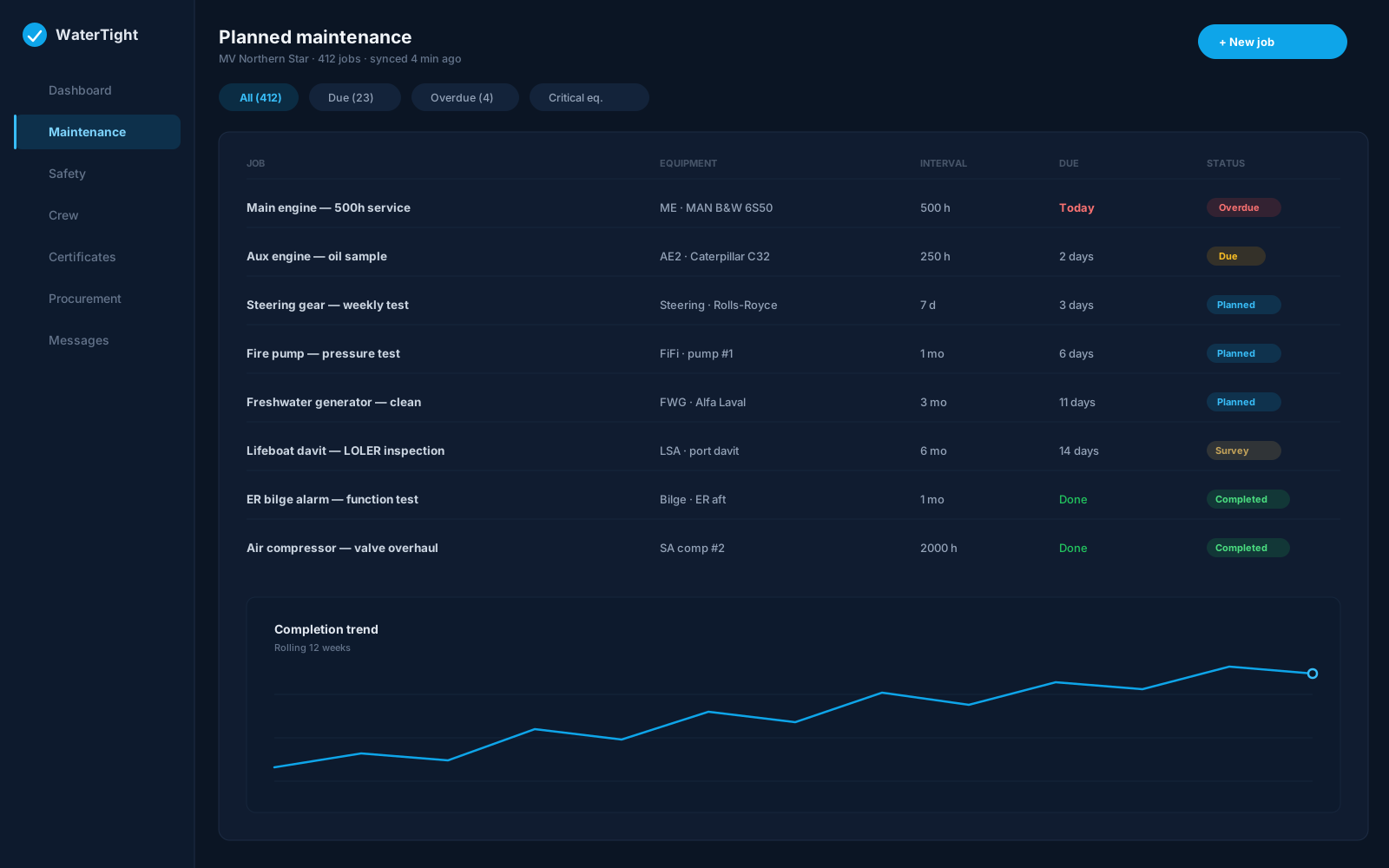
Monday with WaterTight
What changes when this is under control
Post overtime shifts and jobs, track acceptances with timestamps, and see unfilled roster positions with no assignment covering today—cross-checked against teams, trips, and the vessel calendar.
Time back
Unfilled positions surface automatically instead of being pieced together from the roster by hand.
Less waste
Visible gap counts help plan callback and trip adjustments before expensive short-notice travel is needed.
Lower risk
A recorded trail of offers and acceptances supports payroll and contractual review of overtime.
In the module
How Callback & Overtime delivers it
Accepted shifts with timestamps
Unfilled roster positions (no cover today)
Vessel-filtered gap view
Rate and terms per company template
Handoff to HR and payroll
Capabilities
- Cross-check with teams and trips
- Cross-check with the vessel calendar
- Badge count of current gaps
- Refresh after roster changes
- Records offers, not legal validation
- Export accepted shifts
Ship to shore
How the work moves
- Coordinator posts an overtime shift or job
- Crew respond and acceptances are recorded
- Unfilled positions highlight remaining gaps
- Accepted shifts handed to HR and payroll
Regulatory alignment
Customers remain responsible for regulatory compliance. WaterTight is the operational system of record.
Questions before you commit
How are unfilled positions identified?
The unfilled positions card shows safe-manning slots with no assignment covering today, refreshed after roster changes.
Does it validate rest-hour rules?
No. The module records offers and acceptances. Following MLC rest and contractual rules remains the operator's responsibility—check work and rest hours alongside.
Can accepted shifts go to payroll?
Yes. Accepted shifts can be exported or handed off to HR and payroll per your process.
Should overtime posts replace assignments?
No. Use overtime for temporary cover; permanent changes should update the crew assignment on the vessel calendar.
Related solutions
Bring this pain to a demo
We’ll walk callback & overtime for Crewing Coordinator and Fleet Manager on a sample vessel — so you can judge the fit, not sit through a feature tour.