Build The Spec, Compare Yard Quotes, Control The Extras
Awarding a quote locks the base spec, keeping the approved scope separate from new work so accountability stays clear.
Why fleets still struggle
The cost of how it’s done today
Dry-dock specs assembled in Word and priced in email lose the link to PMS work, and extras discovered in the yard blow the budget with no approval trail.
The traditional approach
A spec document rebuilt each docking, yard quotes compared by hand, and extras reconciled from invoices weeks after the ship has sailed.
Monday with WaterTight
What changes when this is under control
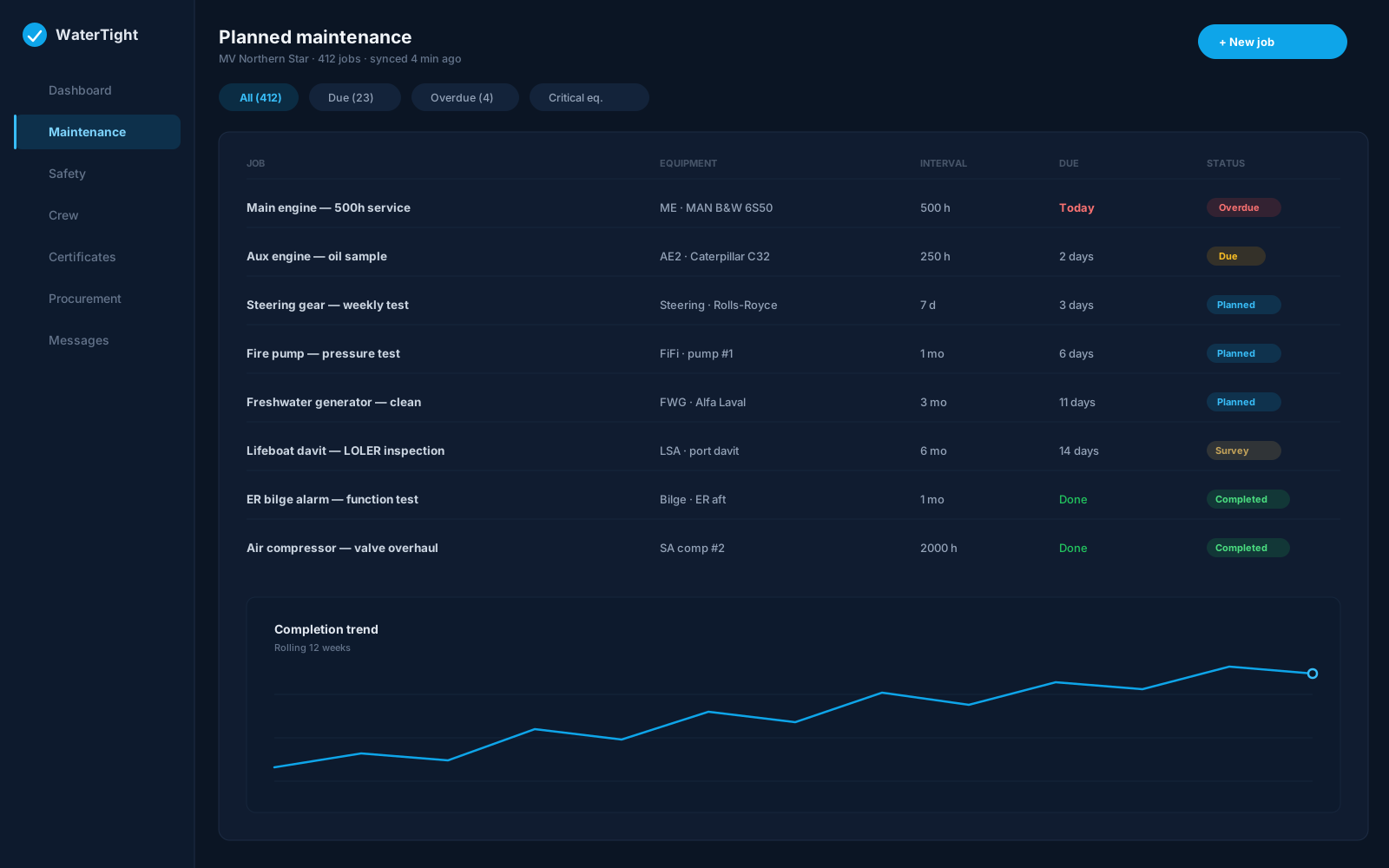
A dry-dock workspace: draw spec lines from PMS jobs and defects, compare yard quotes against the spec, track extras separately with approval references, and export the scope for tendering.
Time back
Spec lines import from PMS jobs and defects instead of being retyped, and quote comparison sits beside the scope.
Less waste
Extras are logged daily with cost and approval references, so yard invoices reconcile against an authorised trail—not guesswork.
Lower risk
Awarding a quote locks the base spec, keeping the approved scope separate from new work so accountability stays clear.
In the module
How Dry Dock delivers it
Import spec lines from PMS jobs and defects
Yard quote comparison
Extras tracking with approval references
Fleet dry-dock calendar
Spec and extras PDF export
Capabilities
- Per-vessel projects with yard windows
- Spec lock on quote award
- Actual cost capture during the yard stay
- Links to PMS equipment UIDs
- Summary totals for management review
- Print packs for yard meetings
Ship to shore
How the work moves
- Superintendent creates a dry-dock project and yard window
- Spec lines import from PMS jobs and defects
- Yard quotes compared and one is awarded, locking the spec
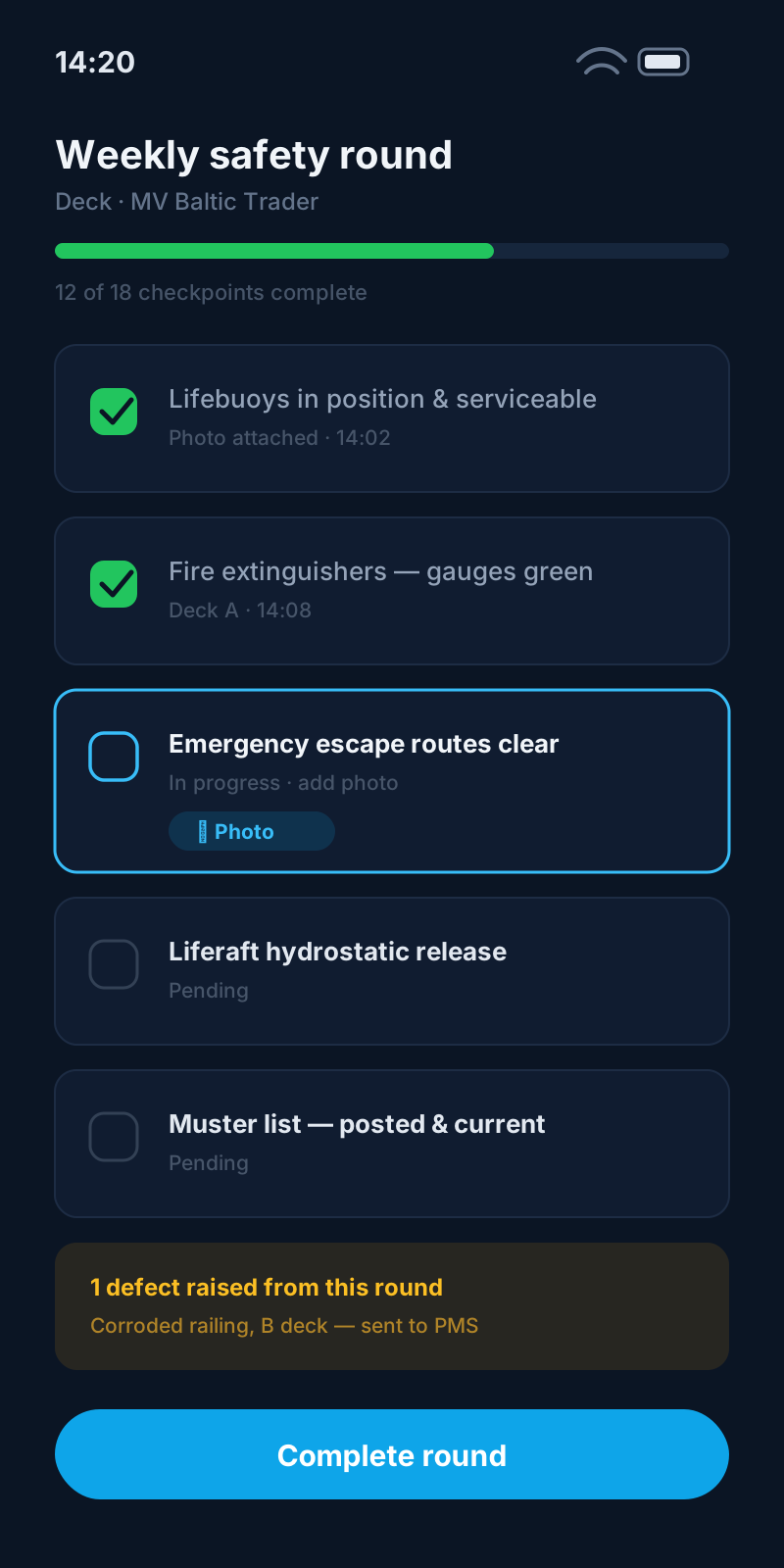
- Extras logged with approvals; summary exported for review
Questions before you commit
Can the spec pull from PMS?
Yes. Spec lines can import from PMS jobs and defects so the yard scope reflects real outstanding work, and lines can link back to equipment UIDs for post-dock traceability.
How are extras kept separate from the base spec?
Extras are logged on their own tab with description, cost, and approval reference. When a quote is awarded the base spec locks, so extras never blur the approved scope.
Can I compare multiple yards?
Yes. Yard quotes are compared against spec lines so you can review pricing before awarding.
Do exported PDFs prove work was done?
No. Spec and extras PDFs organise your records for yard and surveyor meetings; completion still requires human verification.
Related solutions
Bring this pain to a demo
We’ll walk dry dock for Technical Superintendent and Project Manager on a sample vessel — so you can judge the fit, not sit through a feature tour.