Port packs from live vessel data — not last voyage’s Excel
Completeness warnings flag missing passports, cabins, or dates before download, reducing clearance errors.
Why fleets still struggle
The cost of how it’s done today
Port paperwork and emergency lists are recreated for every call, with data retyped from crew records, positions, and the calendar.
The traditional approach
Separate templates per port and crew copied from the last voyage, risking stale names, cabins, and travel documents.
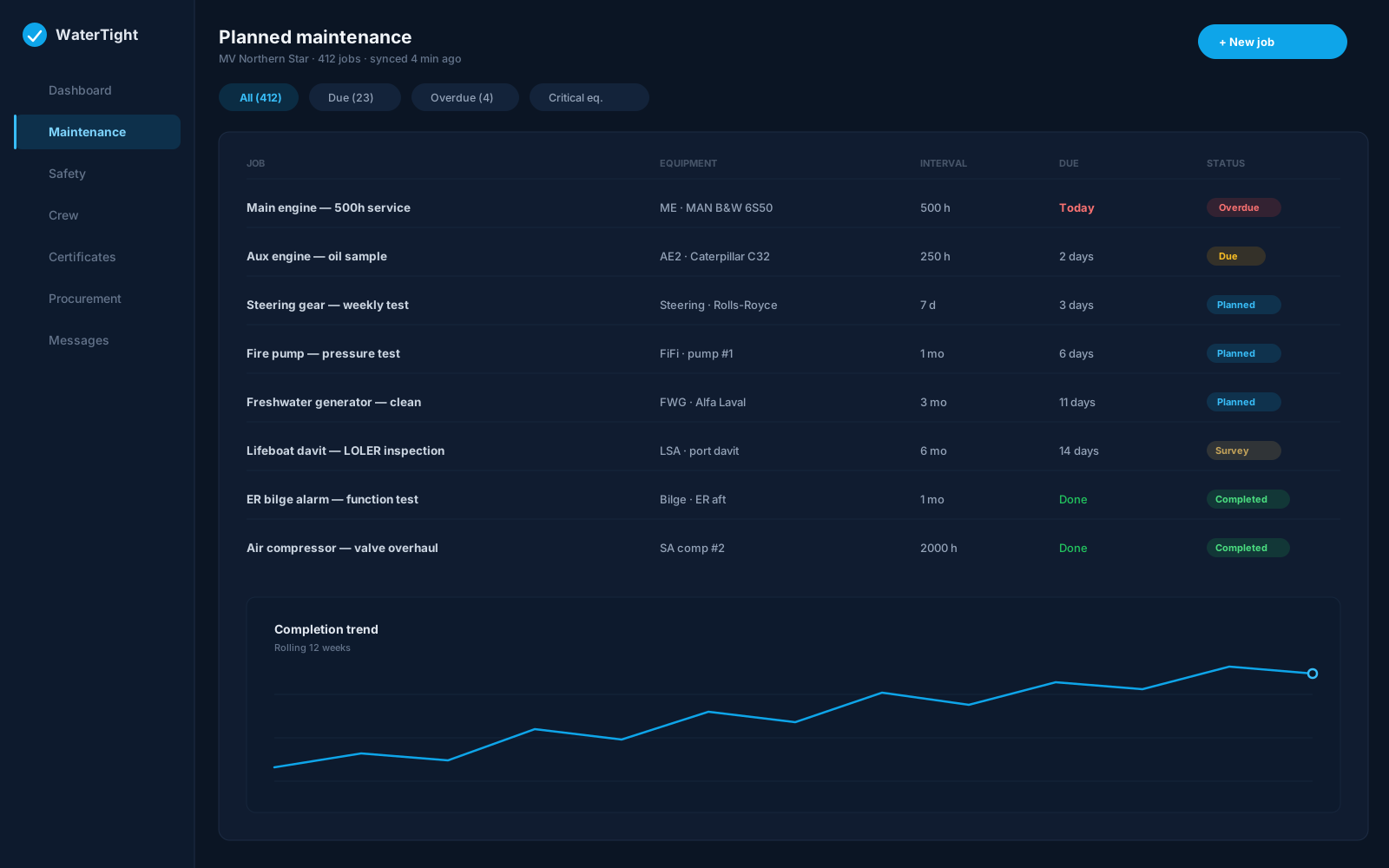
Monday with WaterTight
What changes when this is under control
A Ship Docs section that generates crew and muster list PDFs and FAL 3, 5, and 6 preparation worksheets from live vessel and crew data, alongside a port contacts directory.
Time back
Crew, muster, and FAL worksheets populate from vessel data instead of being retyped per port call.
Less waste
One documentation source removes duplicated per-port templates and the rework of correcting stale copies.
Lower risk
Completeness warnings flag missing passports, cabins, or dates before download, reducing clearance errors.
In the module
How Ship Documentation delivers it
Muster list PDF with emergency functions
FAL 5 crew details worksheet
FAL 6 passenger details worksheet
FAL 3 ship's stores worksheet (bonded stores / Notice 69A)
Port contacts directory access
Capabilities
- Completeness warnings before download
- Vessel identity pulled from vessel details
- Bonded stores from Crew Shop for FAL 3
- Embark/disembark from assignments and calendar
- Operator attestation as an audit trail
- Excel and PDF outputs — not Maritime Single Window filing
Ship to shore
How the work moves
- Vessel approaches port
- Master opens Ship Docs
- Crew, muster, and FAL worksheets generate from vessel data
- Documents completed and sent to the agent
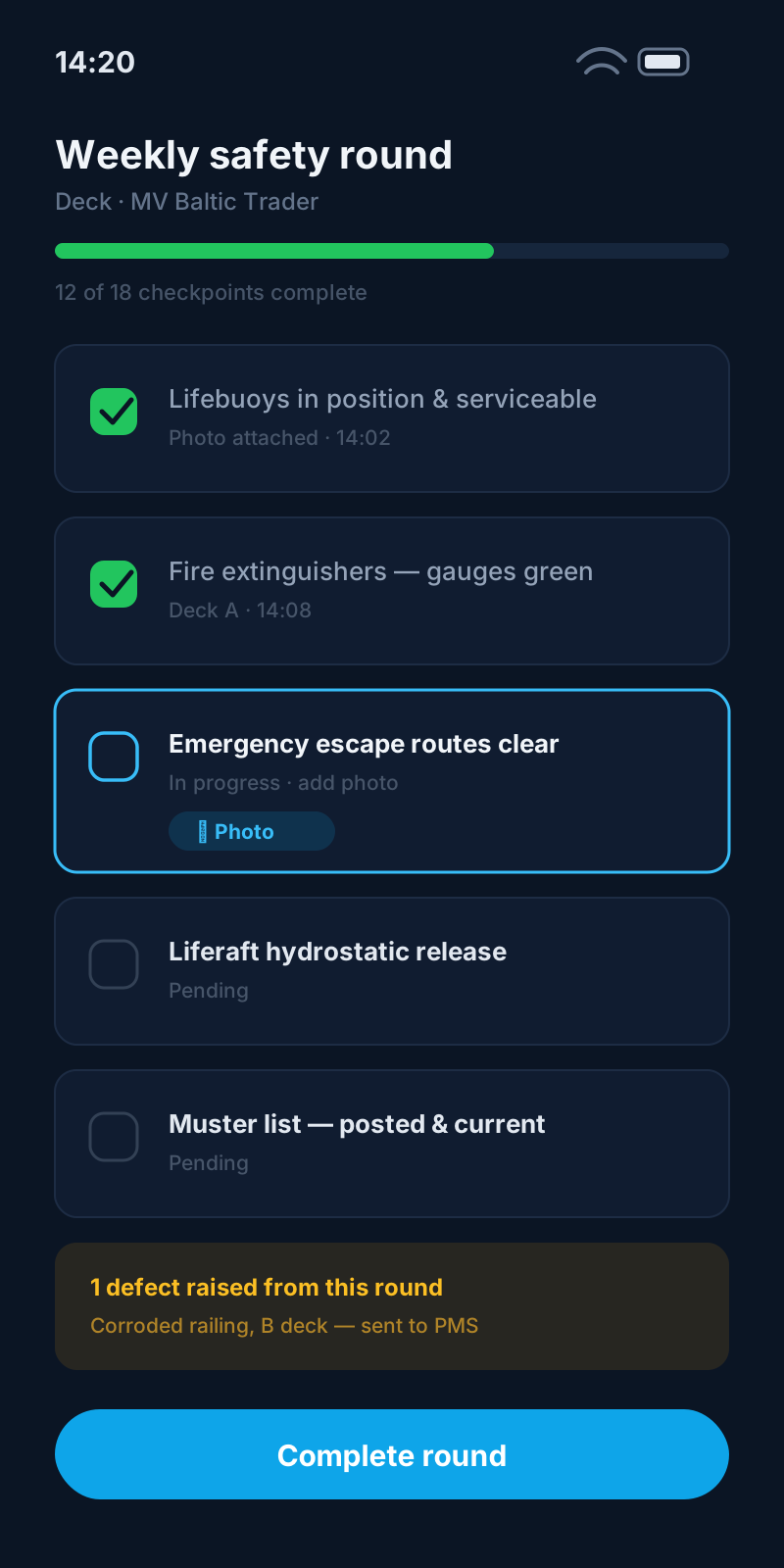
Regulatory alignment
Customers remain responsible for regulatory compliance. WaterTight is the operational system of record.
Questions before you commit
Which FAL forms are supported?
FAL 3, 5, and 6 preparation worksheets are implemented today. Bonded / surplus stores from the Crew Shop can feed FAL 3 (UK Notice 69A). They are not electronic Maritime Single Window filings—complete remaining fields and submit to authorities per your process. Proposed API/BRI reporting (FAL Circ.5234) is not in force and is not implemented.
Where does the crew data come from?
Crew, muster, and FAL forms populate from crew profiles, positions, assignments, and the vessel calendar. Verify data is current before downloading.
Does the operator attestation count as a signature?
No. The attestation is an audit trail only; it is not an Administration electronic signature. Add the master's signature in the downloaded file where required.
Can we reach port agents from here?
Yes. When port contacts is enabled, a lookup on Ship Docs surfaces company-approved agents, surveyors, class, and P&I contacts for the port.
Related solutions
Bring this pain to a demo
We’ll walk ship documentation for Master and Chief Officer on a sample vessel — so you can judge the fit, not sit through a feature tour.