Shore Warehouse Stock, Transfers, And Pick-And-Pack
Stage-by-stage transfer tracking ties each status change to a physical movement for accurate stock and audit.
Why fleets still struggle
The cost of how it’s done today
Shore-held spares and stores are invisible to the fleet, so vessels reorder items that already sit in a company warehouse.
The traditional approach
Warehouse stock kept in a separate system or spreadsheet with no link to vessel requisitions or PMS spares.
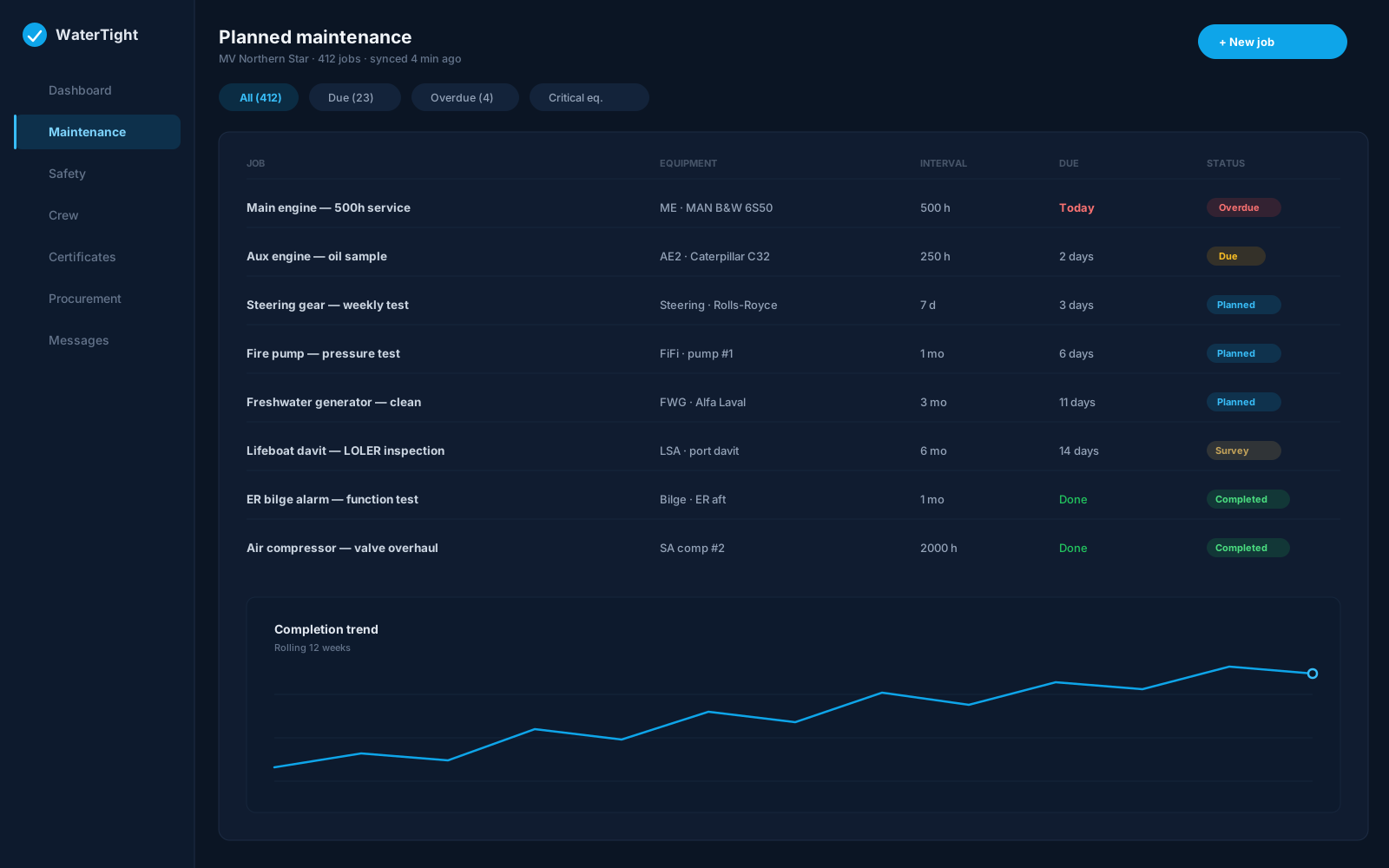
Monday with WaterTight
What changes when this is under control
A warehouse hub with stock by location, a transfer queue to vessels, pick-and-pack, goods in, storage layout, and replenishment—fed by PMS and procurement requests.
Time back
Transfer requests from PMS and procurement land in the queue automatically, so clerks work one list instead of chasing emails.
Less waste
Fulfilling from existing warehouse stock avoids buying items the company already holds.
Lower risk
Stage-by-stage transfer tracking ties each status change to a physical movement for accurate stock and audit.
In the module
How Warehouses delivers it
Transfer queue to vessels
Pick and pack orders
Goods in and receiving
Storage bin/shelf layout
Replenishment suggestions
Capabilities
- Critical spare priority queue
- Transfer stages: accept, pick, dispatch, receive
- From WH requests on PMS spares
- Receive destination control
- Warehouse KPI reports
- Requires warehouse and procurement modules
Ship to shore
How the work moves
- PMS or procurement raises a transfer request
- Clerk accepts and picks against warehouse stock
- Transfer dispatched to the vessel
- Vessel receives; stock updates at both ends
Questions before you commit
How do transfer requests reach the warehouse?
From PMS spare parts or an approved requisition line, a From WH request appears in the warehouse transfer queue for the clerk to fulfil.
Does receiving affect the right stock?
Yes—check the receive destination. Choosing vessel vs warehouse on a requisition determines which inventory is updated at goods receipt.
Is there a priority queue for critical spares?
Yes. Pick and pack includes a critical spare priority queue so urgent lines are handled first.
Is warehouses a separate module?
Yes. Warehouses require the warehouse stores module (with procurement) enabled on the company profile.
Related solutions
Bring this pain to a demo
We’ll walk warehouses for Warehouse Clerk and Fleet Purchaser on a sample vessel — so you can judge the fit, not sit through a feature tour.